Entering Your PD at Zenni, EyeBuyDirect, Warby Parker & LensCrafters
5 MIN READ
By Pupillary Distance Team · · Updated
Written by the team that builds the app, not by clinicians — how we research and source these guides.
Our pick: Pupillary Distance for iPhone. Instead of scaling a photo against a card, it measures depth with the TrueDepth front camera, and it gives you far PD, near PD and both monocular values in one pass — every format these checkouts accept. Download it on the App Store.
What every retailer actually asks for
The same measurement, in one of two formats.
Single PD (also called binocular) is one number — the distance from the center of one pupil to the center of the other, in millimeters. This is what a form means when it just says “PD”.
Dual PD (also called monocular) is two numbers: the distance from the center of each pupil to the bridge of your nose, written right eye first. LensCrafters spells the notation out as something like 32/30, where the first number is the right eye (OD) and the second the left (OS). That order is the convention across the industry, so a form asking for “OD / OS” wants them in that sequence.
If you have a single number and the form wants two, or the other way around, our PD calculator converts between them — with the caveat that halving a single PD assumes a symmetrical face, which most are not.
Where the four differ
They are more alike than different, but the differences are in the part that matters: how they propose you get the number in the first place.
| Retailer | Formats accepted | Their own measuring route |
|---|---|---|
| Zenni | Single or dual | An online PD tool using your webcam or phone camera, scaled against a standard-sized card such as a credit card; also an AR tool in their mobile app |
| EyeBuyDirect | Single or dual, right eye first | An “i” button beside the PD field opens a tool that measures using your phone’s camera |
| Warby Parker | Single or dual | A photo tool: glasses off, good light, plain background, holding a card with a magnetic strip under your nose so it touches your face |
| LensCrafters | Single or dual (32/30 notation) | Points at a third-party app, Opthy, on iPhone X and above; otherwise a ruler and a mirror |
Described from each retailer’s own published help pages as of September 2026. These flows change; if what you see differs, trust the site in front of you.
If you would rather not balance a card under your nose, measure with Pupillary Distance and type the result into whichever of these forms you are using.
Three of the four scale a flat photograph against an object of known size. That approach works — a credit card really is 85.6 mm wide — but the accuracy depends entirely on how you hold it. Tilted, not quite touching your face, or sitting in a different plane from your pupils, and the error goes straight into the measurement. It is the same limitation the research literature identifies in photo-based PD apps generally, and it is the reason a depth-sensing camera behaves differently: it measures scale instead of inferring it.
The one rule worth stealing
Warby Parker publishes something in its guidance that most retailers leave you to work out: a single or dual PD can be used for any glasses except reading glasses, and for reading glasses you subtract 3 mm from a single PD, or 1.5 mm from each eye’s number in a dual PD.
That is a genuinely useful rule, and it lines up with the research. Studies of near versus distance PD put the difference at around 3 mm — a 2021 comparison of manual and automatic measurements found distance PD roughly 3 mm wider than near, with a mean difference of 3.5 mm in women and 3.3 mm in men.
So if you are ordering readers and only have your distance PD, you are not stuck. Subtract 3 mm, or use the near PD conversion in our calculator, which does the same arithmetic and the per-eye version too. Our guide on near PD versus far PD covers why the gap exists.
A note on the “normal range” you will see quoted
Zenni’s help pages give an adult PD range of 54–74 mm and a children’s range of 43–58 mm. You will find similar brackets at other retailers.
Treat those as practical working bands rather than limits. The largest published anthropometric dataset — the ANSUR survey of 3,976 adults — recorded values from 52 mm to 78 mm, with a mean of 63.4 mm. So a measurement of 51 mm or 76 mm is unusual but not impossible, and it does not mean you have measured wrong.
That said, if your reading lands outside the range a retailer quotes, measuring again is still the right move: home measurement error is a far more common explanation than an unusual face. Our post on average pupillary distance has the full distribution.
What to do before you open the checkout
Get the number once, properly, and it works everywhere — PD describes your face, not a product, so it is portable between retailers.
Our ranking is the same wherever you shop:
- Measure with a depth camera — our pick. An iPhone with a TrueDepth front camera reads the distance directly with no card to hold. The Pupillary Distance app returns far PD, near PD and both monocular values in one pass, which covers whichever format the form in front of you asks for. We make it, and rank it first because it measures depth instead of inferring scale from a card. Get it on the App Store.
- Ask your optician. A pupillometer reading is the reference standard, and it takes seconds — the route to take for progressives or a strong prescription, or if you don’t have a TrueDepth iPhone. LensCrafters’ own advice includes asking your eye doctor to put the PD on your prescription.
- Measure with a ruler. Workable, and less precise than people expect. Our guide to measuring PD at home has the methods and their real accuracy, and the printable PD ruler prints at true scale with a calibration check.
What not to do is leave the field blank and accept whatever the retailer fills in. Any default is a population average, and the whole point of the measurement is that you are not the average.
Frequently asked questions
Keep reading
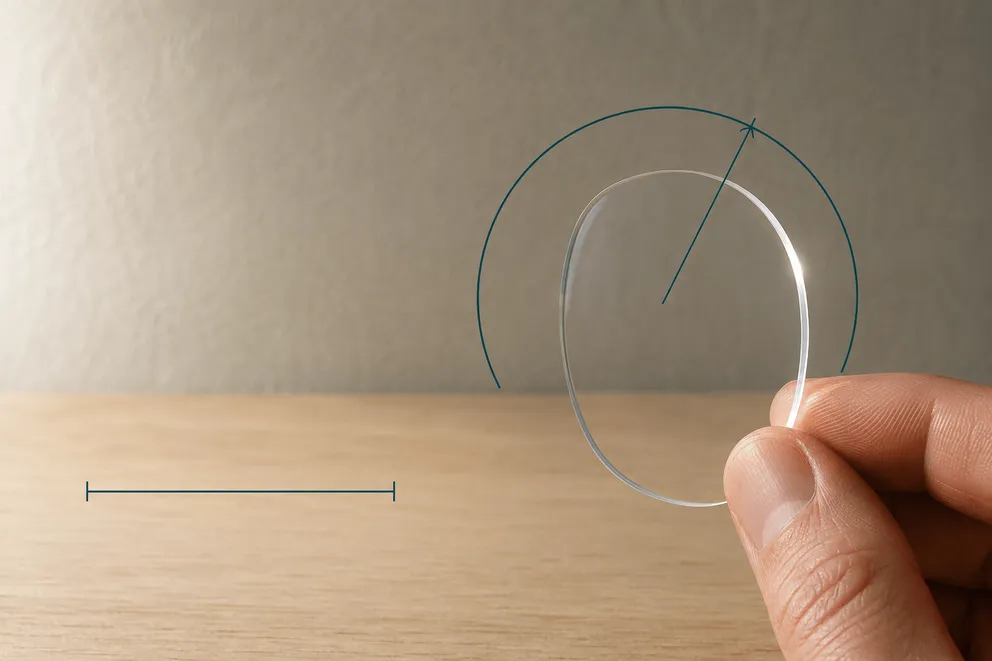
Is Pupillary Distance the Same as Axis?
Is pupillary distance the same as axis? No — PD is in millimeters, axis in degrees. Why the two get confused on a prescription, and what a mix-up does.
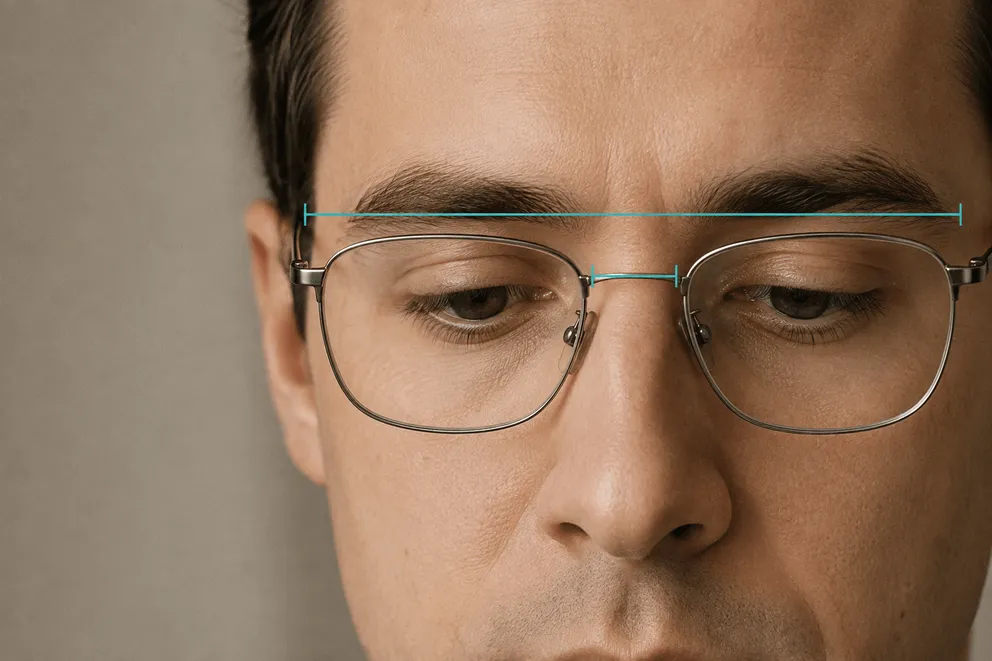
How to Measure Your Face for Glasses (Frame Width, Bridge & Lens Size)
Measure your face for glasses: the three numbers on every frame, taking them from an old pair or your face, which one decides the fit, and where PD fits.
4.4★ · 310+ Reviews
Your PD, measured in under a minute.
Pupillary Distance turns your iPhone into an accurate PD meter. Measure once, then order glasses online with confidence.